Eskenzi PR ad banner Eskenzi PR ad banner
  • About Us
Saturday, 27 June, 2026
IT Security Guru
Eskenzi PR banner
  • Home
  • Features
  • Insight
  • Channel News
  • Events
    • Most Inspiring Women in Cyber 2026
  • Topics
    • Cloud Security
    • Cyber Crime
    • Cyber Warfare
    • Data Protection
    • DDoS
    • Hacking
    • Malware, Phishing and Ransomware
    • Mobile Security
    • Network Security
    • Regulation
    • Skills Gap
    • The Internet of Things
    • Threat Detection
    • AI and Machine Learning
    • Industrial Internet of Things
  • Multimedia
  • Product Reviews
  • About Us
No Result
View All Result
  • Home
  • Features
  • Insight
  • Channel News
  • Events
    • Most Inspiring Women in Cyber 2026
  • Topics
    • Cloud Security
    • Cyber Crime
    • Cyber Warfare
    • Data Protection
    • DDoS
    • Hacking
    • Malware, Phishing and Ransomware
    • Mobile Security
    • Network Security
    • Regulation
    • Skills Gap
    • The Internet of Things
    • Threat Detection
    • AI and Machine Learning
    • Industrial Internet of Things
  • Multimedia
  • Product Reviews
  • About Us
No Result
View All Result
IT Security Guru
No Result
View All Result

Keeper Unveils Latest WearOS App for Android

The new Keeper WearOS app for Android delivers a seamless and secure smartwatch experience

by Guru Writer
March 27, 2025
in Editor's News
Keeper Unveils Latest WearOS App for Android
Share on FacebookShare on Twitter

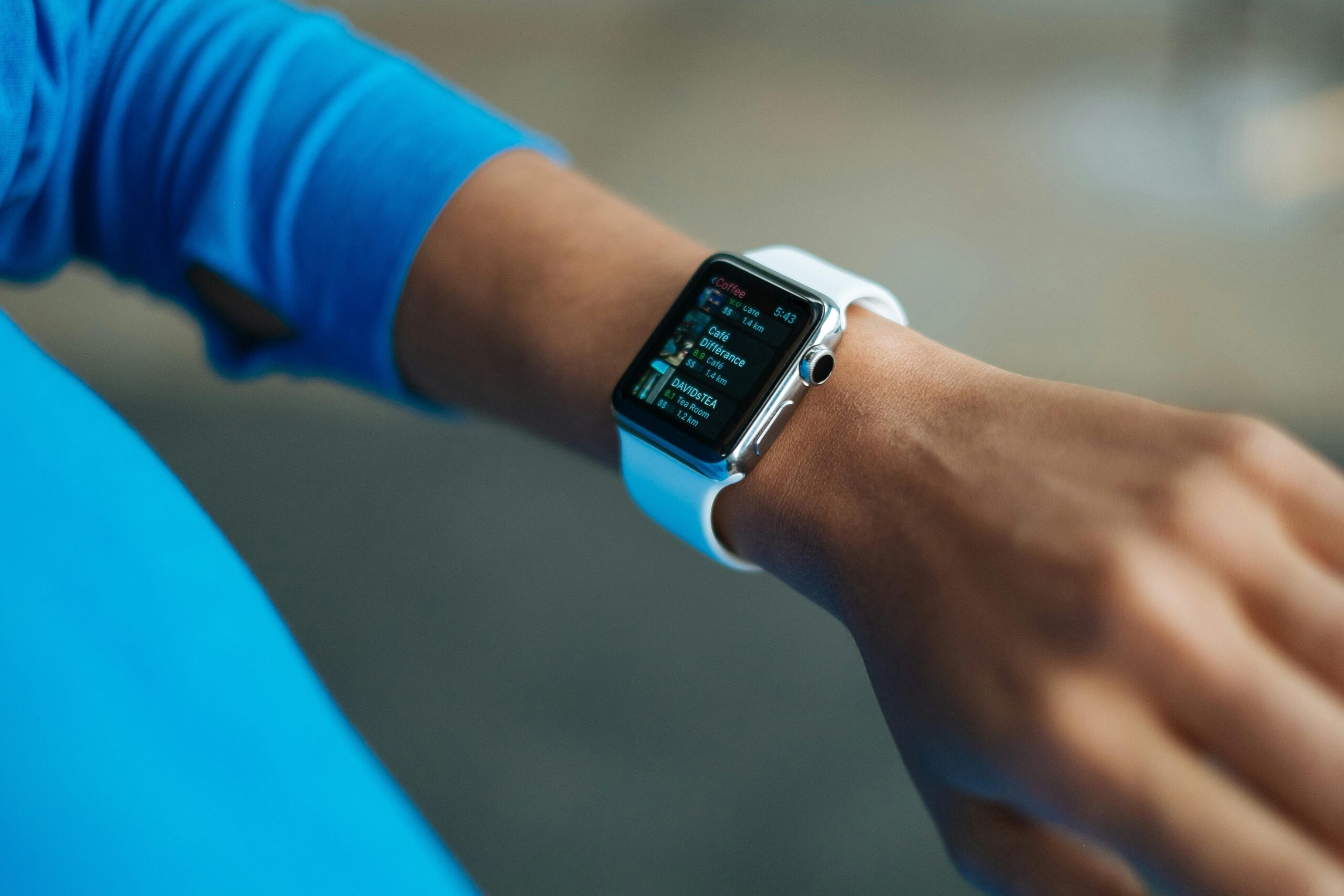
Keeper Security has unveiled its latest improvements to the Keeper WearOS app that accompanies their flagship password management solution. The upscaled app enhances security and ease for smartwatch users. The update aligns with Google’s latest Android guidelines, providing a more intuitive and streamlined experience for Android WearOS users.

The Keeper WearOS app, formerly known as KeeperDNA, has been renamed to reflect the unified access experience across multiple platforms. The redesigned app adds convenience by allowing users to securely view stored credentials and use their smartwatch for Two-Factor Authentication (2FA). Key features including Time-Based One-Time Password (TOTP) code viewing and Watch Favourites remain, but the modernised interface design and enhanced functionality elevate the user experience. 

In addition, Keeper has enhanced its Android app’s offline functionality, allowing users to securely access their Keeper data without an internet connection. This improvement boosts both convenience for mobile users and security when accessing sensitive information on the go.

Craig Lurey, CTO and Co-founder of Keeper Security, said: “Security should never be a hassle. Keeper’s WearOS app delivers the same robust protection users have come to expect with our smartwatch solution, with an even better experience. With this update, we’re making it easier for users to securely access their credentials, right from their wrist.”

Key features of the updated Keeper WearOS app:

  • Redesigned Interface: A fresh, modern UI improves usability and navigation, featuring a rotating carousel on the vault page with dynamic content and key security insights at a glance.
  • Instant Access to Credentials and 2FA Codes: View and retrieve passwords and authentication codes with a tap.
  • Watch Favourites: Quickly access your most-used logins without reaching for your phone.

The release also includes offline functionality for the Keeper Android app:

  • Simplified Account Setup: A streamlined onboarding process makes it easy to create an account and import passwords in just a few steps.
  • Enhanced Offline Mode: Now with improved controls, users can configure vault access for one, seven or 30 days, making security more flexible for travel and remote work. Enterprise users receive explicit alerts when offline access is restricted based on company policies.
  • Decoupled Offline Mode and 2FA: Manage offline access and 2FA settings separately for more control over security preferences.

The Keeper WearOS app marks the first phase of ongoing improvements to Keeper’s wearable solutions, with planned enhancements including passkey support and standalone functionality for managing security directly from wearable devices.

“People expect security to be effortless and integrated into their daily routines,” said Lurey. “With this update, we’re delivering an elegant, smarter and more intuitive way to manage credentials on WearOS – providing instant, secure access without disrupting the user experience. By enhancing usability while maintaining our zero-trust security model, we’re ensuring that security remains seamless, effective and uncompromising.”

The updated Keeper WearOS app is now available on the Google Play Store. 

ShareTweet
Previous Post

SandboxAQ Strengthens Leadership in Post-Quantum Security as NIST Approves HQC Algorithm

Next Post

4 Tips For Crypto Wallet Security

Recent News

Keeper Security launches Microsoft Teams integration for privileged access management

Keeper Security launches Microsoft Teams integration for privileged access management

June 26, 2026
UK Museums Are a Cyber Incident Waiting to Happen and the Government Knows It

UK Museums Are a Cyber Incident Waiting to Happen and the Government Knows It

June 25, 2026
pqc

New Forescout Data Reveals Slow Progress Toward Quantum-Safe Security

June 24, 2026
AI-Powered Phishing Attacks Surge 1,380% as Criminal Platforms Render MFA Obsolete

AI-Powered Phishing Attacks Surge 1,380% as Criminal Platforms Render MFA Obsolete

June 24, 2026

The IT Security Guru offers a daily news digest of all the best breaking IT security news stories first thing in the morning! Rather than you having to trawl through all the news feeds to find out what’s cooking, you can quickly get everything you need from this site!

Our Address: 10 London Mews, London, W2 1HY

Follow Us

© 2015 - 2024 IT Security Guru - Website Managed by Dessol

  • About Us
Manage Consent
To provide the best experiences, we use technologies like cookies to store and/or access device information. Consenting to these technologies will allow us to process data such as browsing behavior or unique IDs on this site. Not consenting or withdrawing consent, may adversely affect certain features and functions.
Functional Always active
The technical storage or access is strictly necessary for the legitimate purpose of enabling the use of a specific service explicitly requested by the subscriber or user, or for the sole purpose of carrying out the transmission of a communication over an electronic communications network.
Preferences
The technical storage or access is necessary for the legitimate purpose of storing preferences that are not requested by the subscriber or user.
Statistics
The technical storage or access that is used exclusively for statistical purposes. The technical storage or access that is used exclusively for anonymous statistical purposes. Without a subpoena, voluntary compliance on the part of your Internet Service Provider, or additional records from a third party, information stored or retrieved for this purpose alone cannot usually be used to identify you.
Marketing
The technical storage or access is required to create user profiles to send advertising, or to track the user on a website or across several websites for similar marketing purposes.
  • Manage options
  • Manage services
  • Manage {vendor_count} vendors
  • Read more about these purposes
View preferences
  • {title}
  • {title}
  • {title}
No Result
View All Result
  • Home
  • Features
  • Insight
  • Channel News
  • Events
    • Most Inspiring Women in Cyber 2026
  • Topics
    • Cloud Security
    • Cyber Crime
    • Cyber Warfare
    • Data Protection
    • DDoS
    • Hacking
    • Malware, Phishing and Ransomware
    • Mobile Security
    • Network Security
    • Regulation
    • Skills Gap
    • The Internet of Things
    • Threat Detection
    • AI and Machine Learning
    • Industrial Internet of Things
  • Multimedia
  • Product Reviews
  • About Us

© 2015 - 2024 IT Security Guru - Website Managed by Dessol