International Cyber Expo International Cyber Expo
  • About Us
Thursday, 12 November, 2026
IT Security Guru
International Cyber Expo
  • Home
  • Features
  • Insight
  • Channel News
  • Events
    • Most Inspiring Women in Cyber 2027
  • Topics
    • Cloud Security
    • Cyber Crime
    • Cyber Warfare
    • Data Protection
    • DDoS
    • Hacking
    • Malware, Phishing and Ransomware
    • Mobile Security
    • Network Security
    • Regulation
    • Skills Gap
    • The Internet of Things
    • Threat Detection
    • AI and Machine Learning
    • Industrial Internet of Things
  • Multimedia
  • Product Reviews
  • About Us
No Result
View All Result
  • Home
  • Features
  • Insight
  • Channel News
  • Events
    • Most Inspiring Women in Cyber 2027
  • Topics
    • Cloud Security
    • Cyber Crime
    • Cyber Warfare
    • Data Protection
    • DDoS
    • Hacking
    • Malware, Phishing and Ransomware
    • Mobile Security
    • Network Security
    • Regulation
    • Skills Gap
    • The Internet of Things
    • Threat Detection
    • AI and Machine Learning
    • Industrial Internet of Things
  • Multimedia
  • Product Reviews
  • About Us
No Result
View All Result
IT Security Guru
No Result
View All Result

Huntress uncovers SCKit: rogue ScreenConnect toolkit hits 288 hosts in 90 minutes

by Guru Writer
November 12, 2026
in News
Huntress uncovers SCKit: rogue ScreenConnect toolkit hits 288 hosts in 90 minutes
Share on FacebookShare on Twitter

Huntress researchers have detailed a fast-moving campaign in which attackers abused cloud-hosted ScreenConnect panels to install rogue clients and a custom toolkit, dubbed SCKit, on managed endpoints. At least 288 hosts across 48 Huntress-protected organisations were affected within around 90 minutes on 11 November, with roughly a third compromised in the first ten minutes.

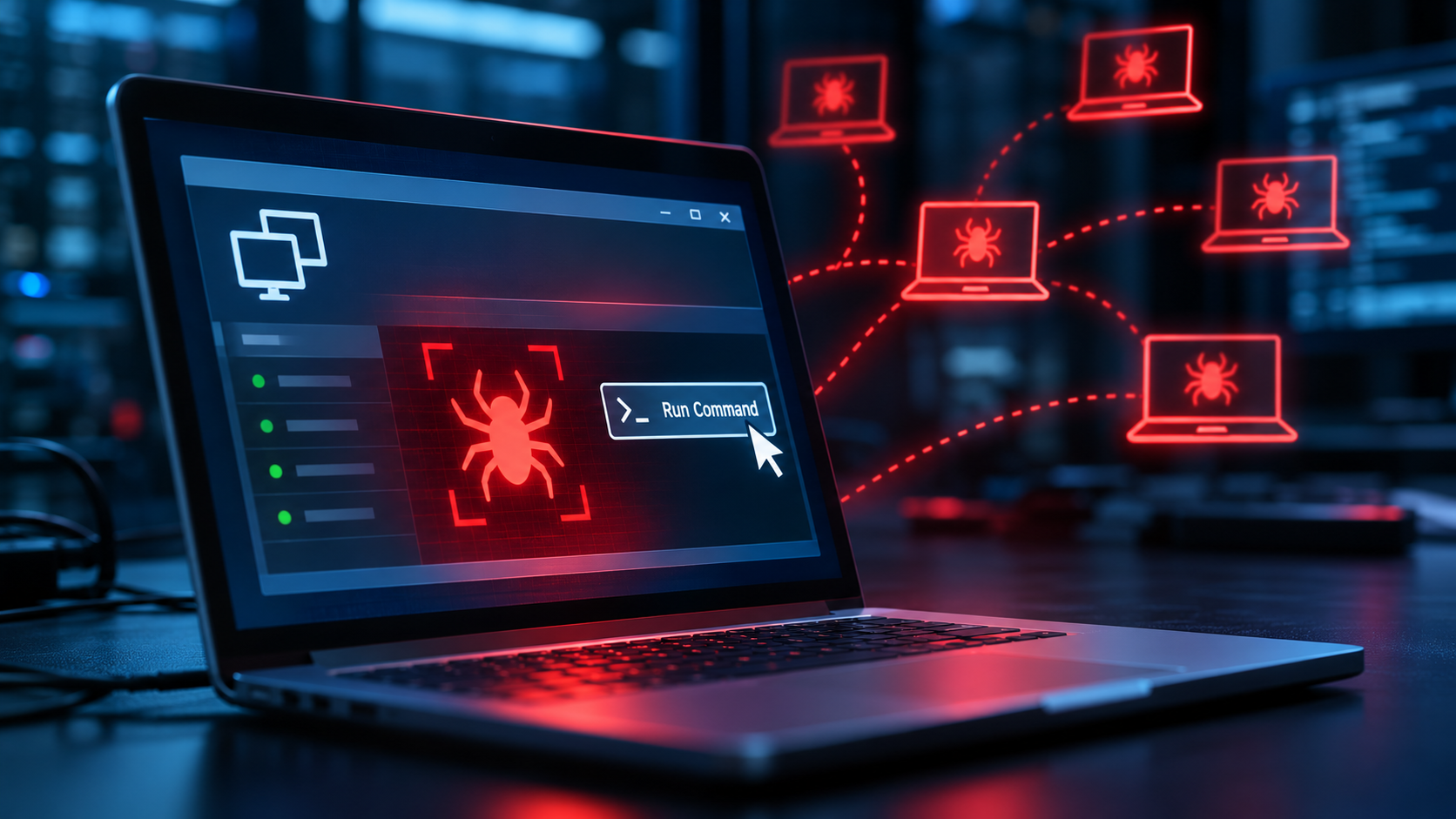
Rather than exploiting endpoints directly, the operator used ScreenConnect’s legitimate Run Command feature to execute commands as SYSTEM across many machines at once. Those commands silently installed an attacker-controlled ScreenConnect client, followed by a dropper that fetched a decoder and an encrypted 16-file package of PowerShell, batch and config files. Each package was encrypted with keys tied to the individual machine’s ID.

Hiding inside normal ScreenConnect traffic

At the core of SCKit is a component Huntress calls RelayTrap. It takes over the legitimate client’s connection slot on the relay, so the machine still appears healthy to the managing technician. The toolkit also stops the genuine client and sets it to manual start, adds Microsoft Defender exclusions, creates AppLocker/SRP rules and a scheduled task named TrapWatch for persistence, and installs a second attacker-controlled client.

Built to spread, not yet seen spreading

The code contains logic intended to move from an infected endpoint to the technician who connects to it. In theory, it steals the technician’s .aspxauth session cookie, replays it against the panel, enumerates reachable sessions, and uploads a payload to the panel’s Shared Toolbox to run as SYSTEM elsewhere, deleting the toolbox item around 60 seconds later.

Huntress stresses that this worm-like behaviour was largely reconstructed from code. The console-takeover attempt failed in every recovered host log it reviewed, and the firm has not confirmed a successful jump to a technician workstation or further endpoints.

ConnectWise published an advisory on the evening of 11 November and, as a precaution, disabled five third-party extensions across more than 400 partner environments. At the time of the advisory, the initial access vector and full scope had not been identified. Affected builds named in the research are 26.6.6.9747 and 26.7.6.9783.

What defenders should do
  • Review ScreenConnect Run Command and Toolbox history for commands you did not initiate, and check endpoints for a second, unauthorised client.
  • Triage suspect hosts out-of-band using EDR live response or WinRM, not ScreenConnect. Treat any technician workstation that has connected to a suspect host as potentially exposed.
  • Isolate and clean affected hosts, removing the rogue client, the TrapWatch task, C:\ProgramData\RelayTrap\, SCKit files in %TEMP% and the RelayTrapLiteAlert Run key.
  • End active ScreenConnect web sessions, rotate credentials, and revoke browser and identity-provider sessions.
  • Use network IOCs from the report, but treat file hashes as weak indicators, as scripts are rebuilt per host.

Read the full Huntress research: https://www.huntress.com/blog/sckit-worm-rogue-screenconnect

ShareTweet
Previous Post

Cyber Agony Aunts Launch Christmas Campaign to Tackle Period Poverty

Recent News

Huntress uncovers SCKit: rogue ScreenConnect toolkit hits 288 hosts in 90 minutes

Huntress uncovers SCKit: rogue ScreenConnect toolkit hits 288 hosts in 90 minutes

November 12, 2026
Cyber Agony Aunts Launch Christmas Campaign to Tackle Period Poverty

Cyber Agony Aunts Launch Christmas Campaign to Tackle Period Poverty

November 12, 2026
Q&A: Why Cybersecurity Has to Move Beyond Technology

Q&A: Why Cybersecurity Has to Move Beyond Technology

November 11, 2026
Open code isn’t the problem: experts on the “god-tier” flaws exposed across UK government repositories

Open code isn’t the problem: experts on the “god-tier” flaws exposed across UK government repositories

November 11, 2026

Eskenzi PR banner ad

The IT Security Guru offers a daily news digest of all the best breaking IT security news stories first thing in the morning! Rather than you having to trawl through all the news feeds to find out what’s cooking, you can quickly get everything you need from this site!

Our Address: 10 London Mews, London, W2 1HY

Follow Us

© 2015 - 2026 IT Security Guru - Website Managed by Dessol

  • About Us
Manage Consent
To provide the best experiences, we use technologies like cookies to store and/or access device information. Consenting to these technologies will allow us to process data such as browsing behavior or unique IDs on this site. Not consenting or withdrawing consent, may adversely affect certain features and functions.
Functional Always active
The technical storage or access is strictly necessary for the legitimate purpose of enabling the use of a specific service explicitly requested by the subscriber or user, or for the sole purpose of carrying out the transmission of a communication over an electronic communications network.
Preferences
The technical storage or access is necessary for the legitimate purpose of storing preferences that are not requested by the subscriber or user.
Statistics
The technical storage or access that is used exclusively for statistical purposes. The technical storage or access that is used exclusively for anonymous statistical purposes. Without a subpoena, voluntary compliance on the part of your Internet Service Provider, or additional records from a third party, information stored or retrieved for this purpose alone cannot usually be used to identify you.
Marketing
The technical storage or access is required to create user profiles to send advertising, or to track the user on a website or across several websites for similar marketing purposes.
  • Manage options
  • Manage services
  • Manage {vendor_count} vendors
  • Read more about these purposes
View preferences
  • {title}
  • {title}
  • {title}
No Result
View All Result
  • Home
  • Features
  • Insight
  • Channel News
  • Events
    • Most Inspiring Women in Cyber 2027
  • Topics
    • Cloud Security
    • Cyber Crime
    • Cyber Warfare
    • Data Protection
    • DDoS
    • Hacking
    • Malware, Phishing and Ransomware
    • Mobile Security
    • Network Security
    • Regulation
    • Skills Gap
    • The Internet of Things
    • Threat Detection
    • AI and Machine Learning
    • Industrial Internet of Things
  • Multimedia
  • Product Reviews
  • About Us

© 2015 - 2026 IT Security Guru - Website Managed by Dessol