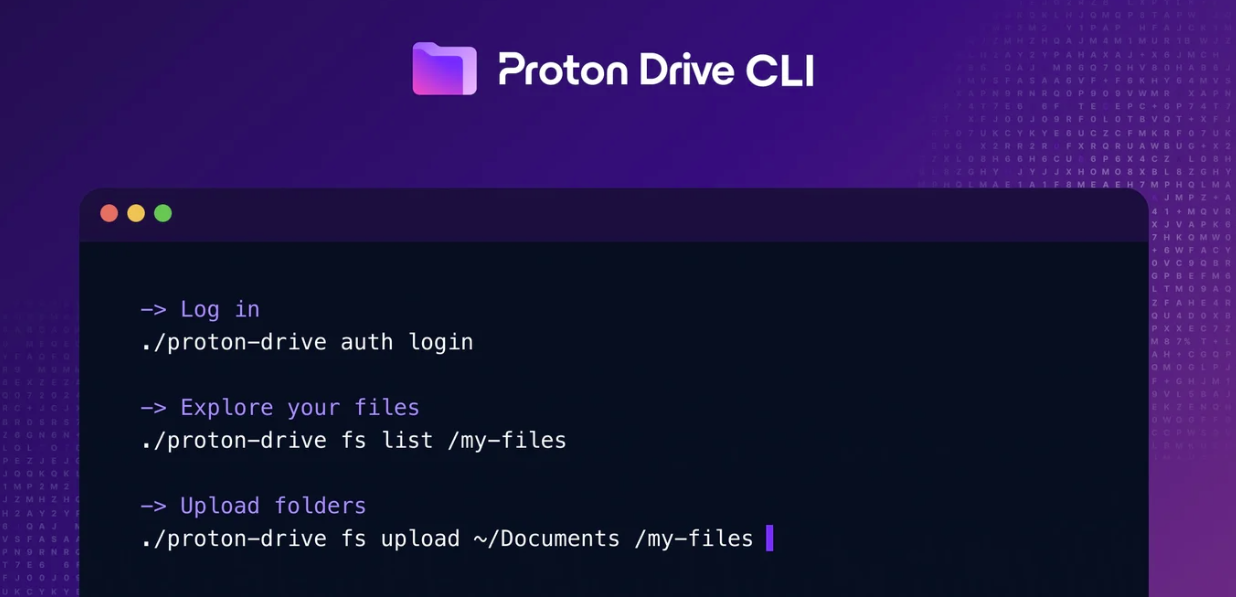
Proton has released a command-line interface (CLI) for Proton Drive, its end-to-end encrypted cloud storage service, marking a significant expansion of the platform beyond its graphical desktop and mobile applications. The tool is available immediately for Windows, macOS, and Linux, and is built on the same Drive SDK that underpins Proton’s official clients, meaning it shares the same encryption guarantees.

For security teams, the release addresses a long-standing friction point: automating secure file transfers and off-site backups without compromising on encryption. Previously, integrating Proton Drive into DevSecOps pipelines, incident-response runbooks, or scheduled backup jobs required either manual intervention or fragile, custom-built scripts that reverse-engineered Drive’s internals. The CLI replaces those workarounds with a stable, officially supported interface.
Security Architecture and Authentication
Authentication is handled through the user’s browser rather than via a password passed on the command line, a deliberate design decision that avoids the risk of credentials appearing in shell history files or process lists. Once authenticated, sessions are stored using operating-system credential stores: Windows Credential Manager, macOS Keychain, or libsecret on Linux systems.
The binary is available as a pre-built executable, but security-conscious organisations can also build the tool from source. The CLI is implemented in TypeScript, packaged with the Bun runtime, and the source code is published in Proton’s public Drive SDK repository on GitHub. This open-source availability allows teams to audit the code before deployment, which is an important consideration in environments with strict software supply chain controls.
Operational Capabilities
At launch, the CLI supports file and folder management (including trash operations), sharing workflows, and invitations. Proton specifically highlights a number of security-relevant use cases:
- Uploading sensitive files to an encrypted location immediately after a build or deployment process completes.
- Taking point-in-time snapshots of shared folders before audits, preserving evidence integrity without relying on manual downloads.
- Revoking access programmatically when staff offboard, reducing the window of exposure from delayed manual revocation.
- Scripting backup jobs via cron with conflict-handling strategies to avoid redundant re-uploads of unchanged files.
Output is human-readable by default, with a –json flag available for machine-parseable results, useful when the CLI is chained with other tooling in a pipeline.
Rate Limits and Fair Use
Proton notes the CLI is subject to the same fair-use policies as its other clients. Accounts generating unusually high transfer volumes will be temporarily throttled. Proton recommends uploading or downloading only files that have actually changed, rather than rewriting entire directories on each run.
Roadmap
Proton says forthcoming additions will include support for Photos and Albums, public-link sharing, and multi-account management, the latter being of particular interest to managed service providers and larger enterprise teams. A full-featured Linux desktop client with background sync is also described as being in active development.
Proton Drive CLI is available to download from proton.me/drive/download. Full command documentation is accessible by running proton-drive help.